Android IDE brings desktop-style coding to mobile
Zyntax Lite brings a surprisingly capable coding environment to mobile, allowing users to write, edit, and organize projects directly from a phone or tablet. Supporting languages such as Python, JavaScript, HTML, CSS, Vue, JSON, and Markdown, this tool aims to make mobile development more practical today.
Coding tools on mobile
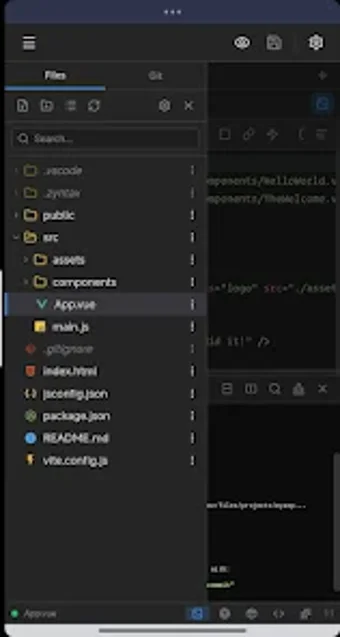
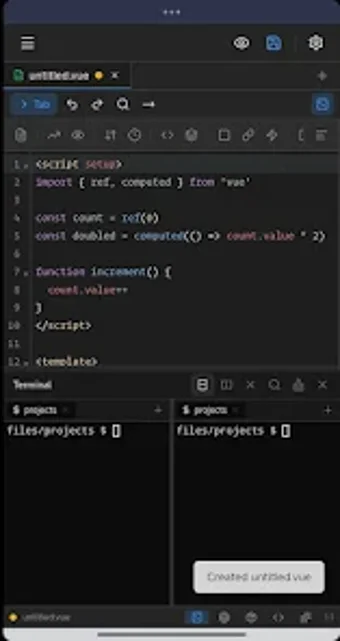
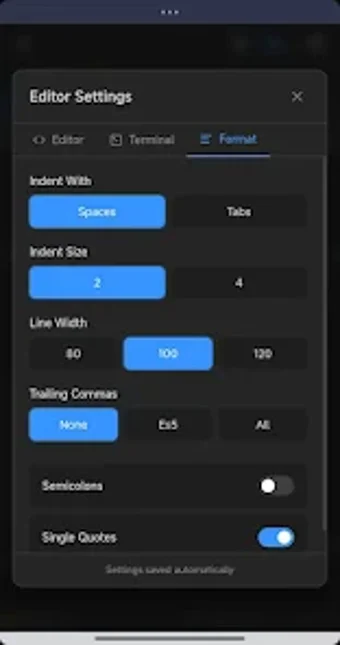
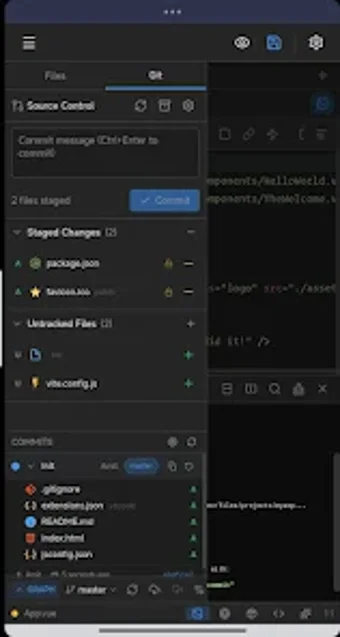
Zyntax Lite combines syntax highlighting, autocomplete, search, and keyboard shortcuts with a genuine terminal supporting bash and common Unix utilities. Built-in Git tools let users clone repositories, commit changes, manage branches, and inspect diffs visually. These features create a workflow that feels closer to desktop development.
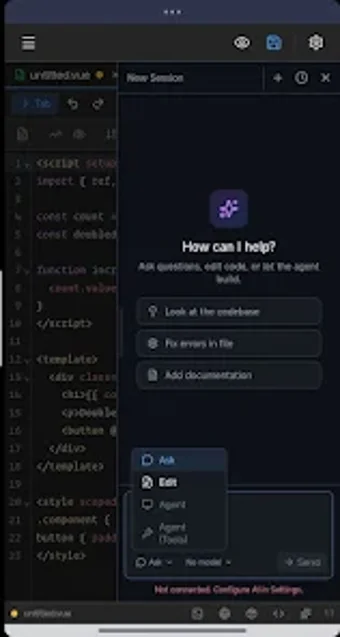
That said, it is ad-supported, and several advanced capabilities are reserved for Zyntax Full, including the package manager, server management, and split terminal. The AI assistant also follows a bring-your-own-key model. Still, project management, file browsing, global search, Markdown previews, and optional AI editing provide substantial flexibility.
For mobile coding enthusiasts
Zyntax Lite offers a versatile IDE experience for students, developers, and anyone needing to work without a computer. Its terminal, Git integration, broad language support, and contextual AI assistance make it more capable than a basic code editor, although premium tools and ads may affect convenience.